Build · Safehouse
Delete for everyone. Read once. Then gone.
A private note between two phones. Safehouse is a messenger for Android: no phone number, no account, Tor inside the app. A working early version (MVP), not on Google Play yet.
Una nota privada entre dos teléfonos. Se lee una vez y desaparece.
Android · MVP
ScrollWhat it is · Qué es
One quiet job.
Most messengers keep everything, forever. This one is built to forget.
Safehouse is a small, quiet tool for one purpose: sending a private note from one phone to another. There is no phone number to give and no account to create. Two people open the app, their phones meet, and a note passes from one to the other. Once it is read, it burns.
- 01
No phone number, no account.
You do not sign up. Nothing ties the app to your number or an email address.
- 02
Messages stay on the two phones.
The note lives on the sender’s phone and the recipient’s phone, nowhere else.
- 03
Burn after read.
A note is meant to be read once. After that, it is gone.
- 04
Tor built in.
Over the internet, Safehouse runs Tor inside the app itself. Nothing extra to install.
Sin número de teléfono y sin cuenta. Los mensajes se quedan en los dos teléfonos. Se leen una vez y se queman. Tor va dentro de la app.
Android · early MVP
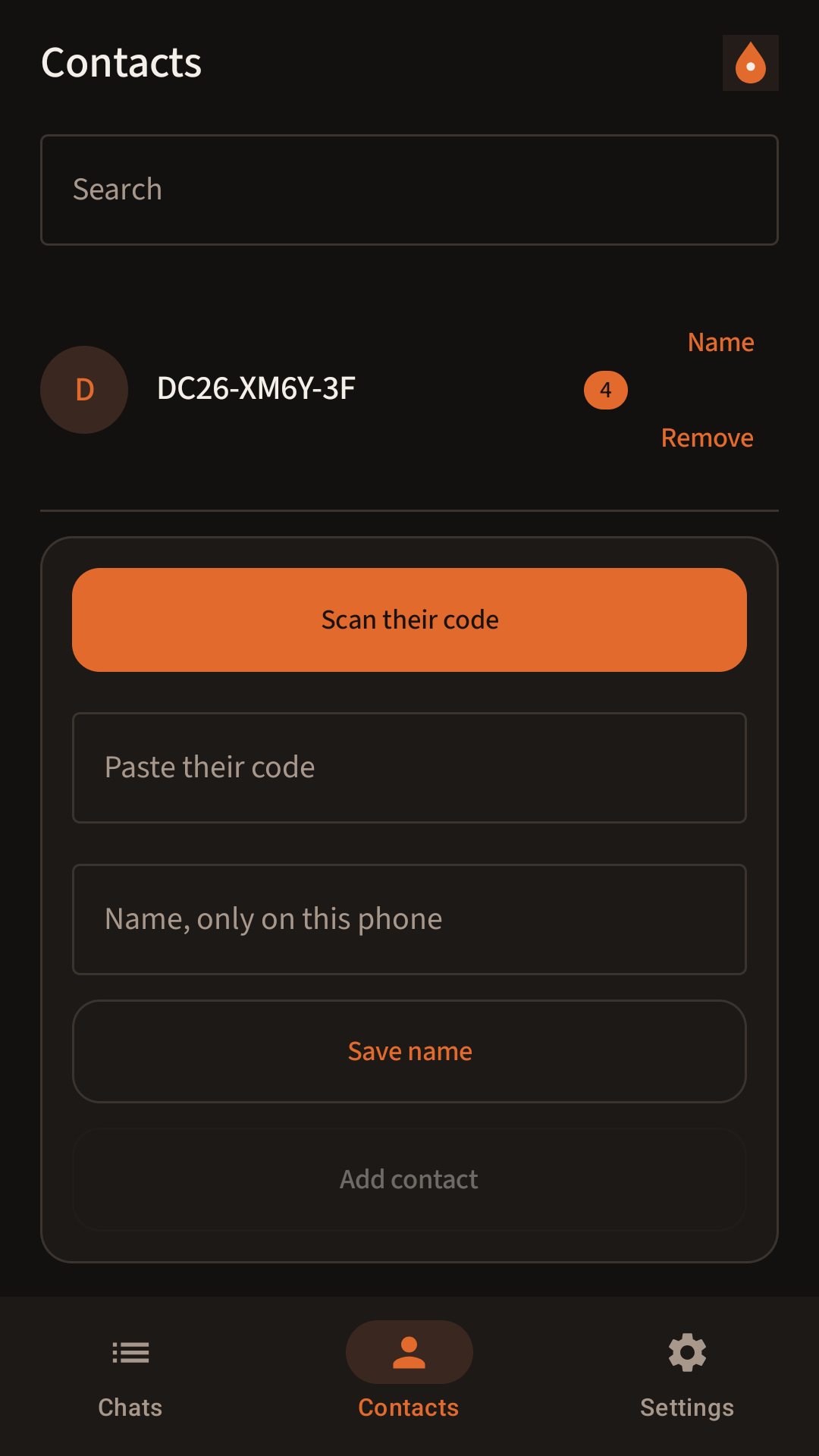
Lab screens from the working app. Not a store listing.

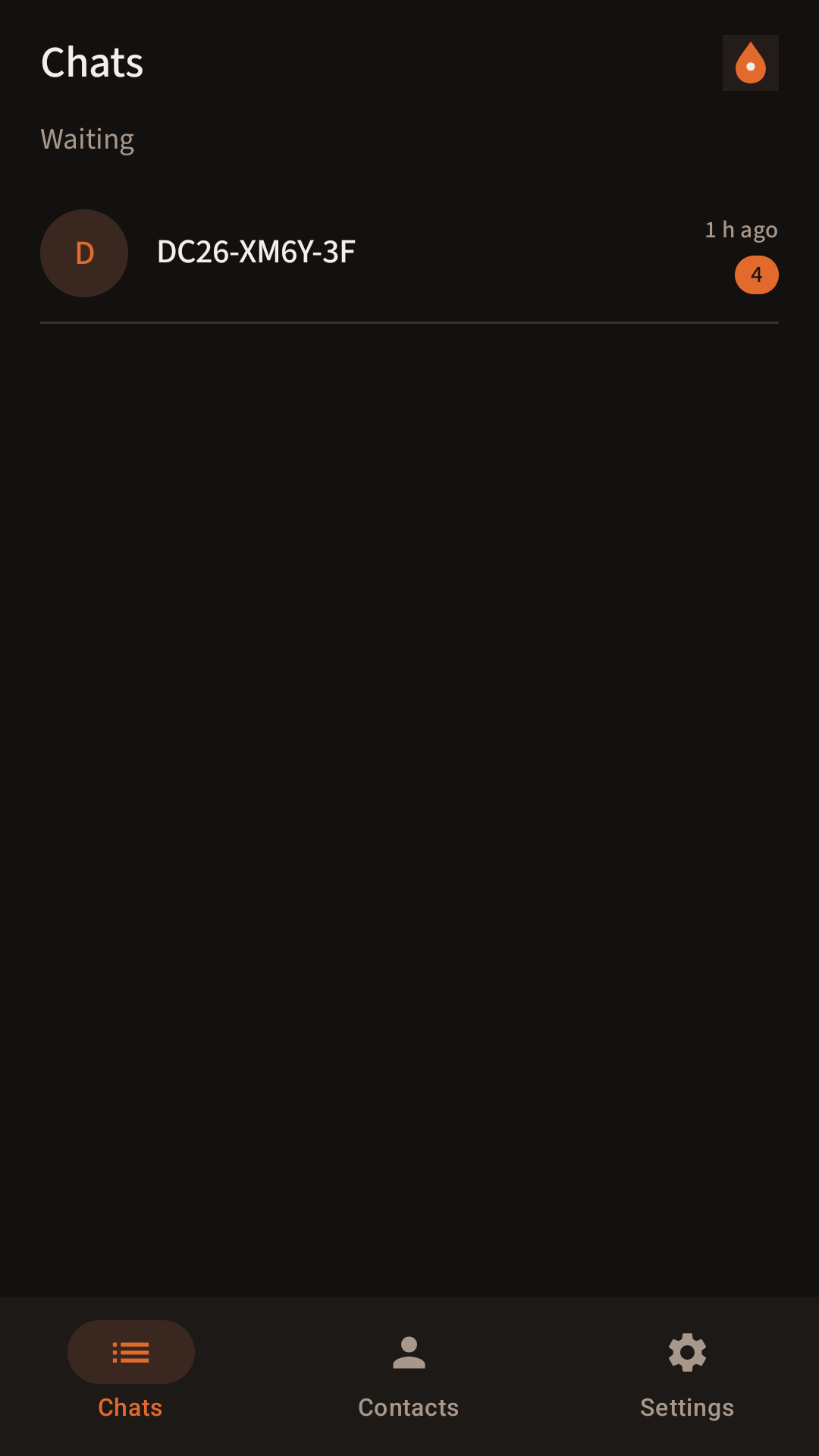
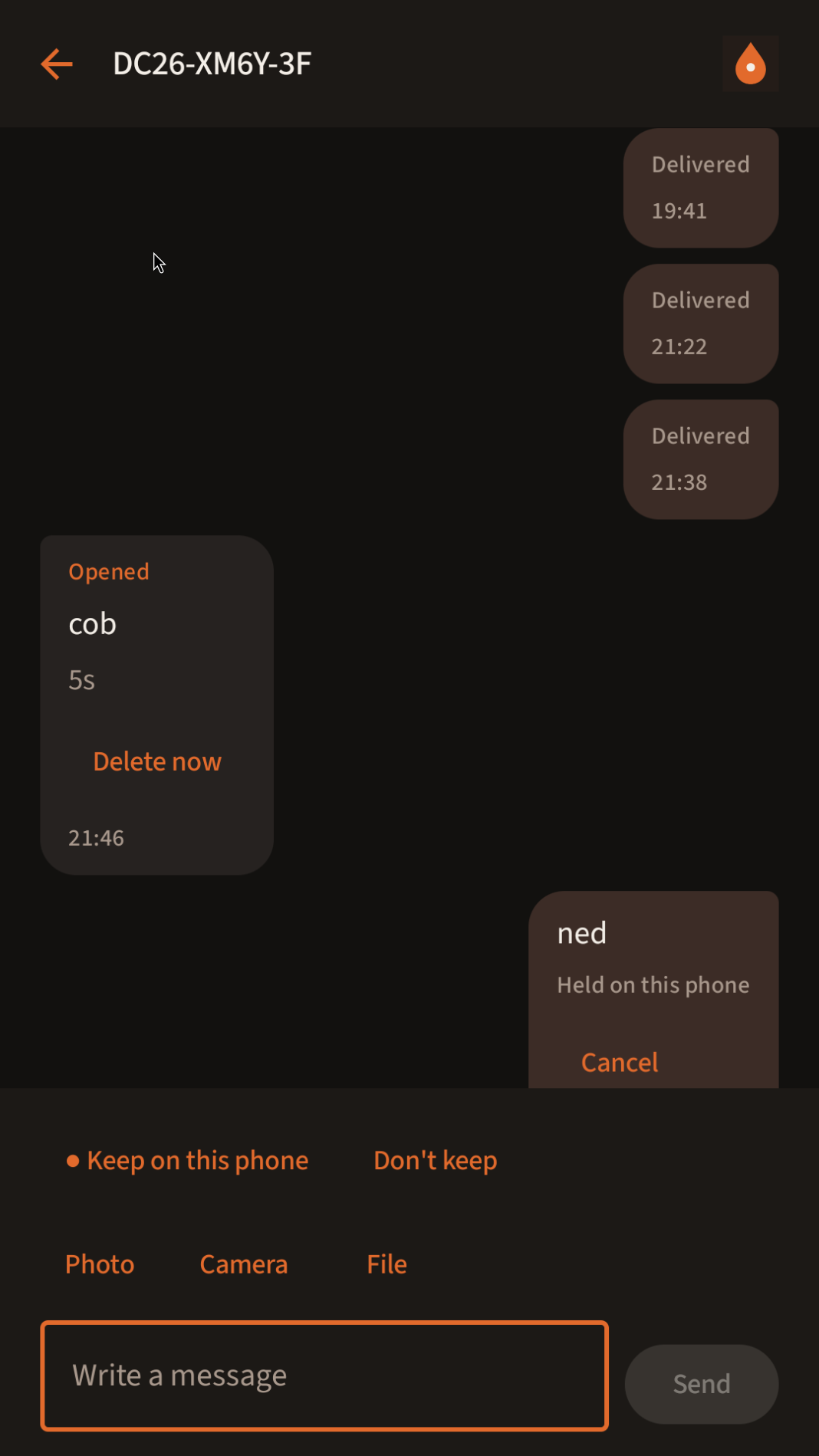

Se quema al leer · Burn after read
Read once.
Then it burns.
Like the letter in an old spy film. Fewer ashtrays.
How a chat works · Cómo funciona
Five steps. No sign-up.
- 01
Two phones, two people.
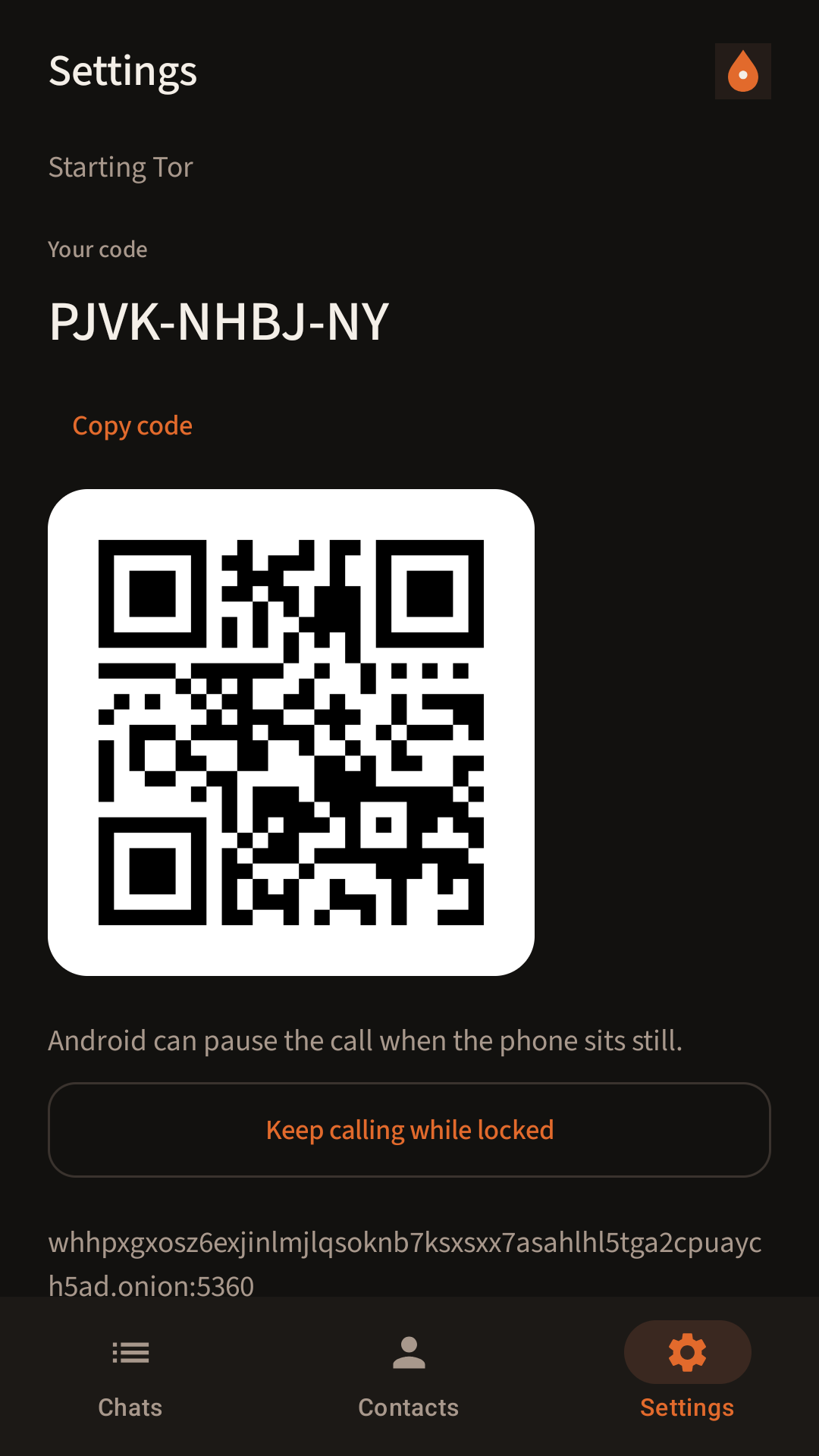
Each of you has Safehouse on an Android phone. You pair using public codes (and a QR), so each phone knows the other.
- 02
Both open the app.
Safehouse delivers while it is running. Both phones need it running for the note to arrive. Force-stopping it stops delivery.
- 03
The phones meet.
On the same Wi-Fi, they can connect directly. Anywhere else, they meet through Tor, at one stable onion address that acts as a meeting point.
- 04
The identity is checked.
When a phone says hello, Safehouse checks its identity key against the contact code you paired with. No match, and the hello is dropped. Nothing is delivered.
- 05
Read, then it burns.
The recipient reads the note once. Then it is gone.
Two ways to meet · Dos maneras
Same Wi-Fi, or anywhere else.
Same Wi-Fi.
The two phones can connect to each other directly. Short trip, no detour.
En la misma Wi-Fi, conexión directa.
Anywhere else.
Through Tor, which runs inside the app. Worldwide, phones meet at one stable onion address. Nothing extra to install.
En cualquier otro lugar, a través de Tor.


What the meeting point sees · Lo que ve
It joins two phones. It can’t read the note.
The meeting point does one job: it joins the two phones’ connections together so they can talk. It does not have the keys to read your note.
To be clear about what it can see: that two phones connected, when they connected, and the public codes used to pair. That is all it needs to put two phones in touch, and we would rather say so than pretend it sees nothing.
There is no account database, no phone-number list and no message archive. Notes are not kept on any server.
El punto de encuentro no puede leer la nota. Sí ve que dos teléfonos se conectaron, cuándo, y los códigos públicos de emparejamiento.
Where it is today · Hoy
A working MVP. In the lab.
Tested on two virtual phones. The time for two phones to find each other through the onion meeting point came down from about 14 minutes to under a minute. In the latest overnight test: 42 seconds.
That is a lab result on virtual phones, not a figure from people using it in the real world.
Platform
AndroidWorking MVP
Google Play
Not yetPublishing still to do
iPhone
Not startedNeeds a Mac and an Apple account
What’s next · Lo siguiente
Before anyone else can use it.
A second meeting host.
A backup host holding the same onion key that takes over if the first goes down. Only one is live at a time, so the two never compete.
Google Play.
A Play developer account, then the publishing process.
A public privacy policy.
A clear, readable page that says exactly what is and isn’t handled.
Safer release signing.
The app’s signing key kept somewhere other than the single machine it is built on.
iPhone, later.
Not started. It needs a Mac and an Apple developer account first.
We’d rather tell you what it can see than promise it sees nothing.Preferimos decir lo que ve que prometer que no ve nada.
Honest limitations · Límites
Early, and it says so.
Android only, early version.
An MVP, not a finished product, and not in any app store yet.
The app must be running to receive.
Force-stop Safehouse and delivery stops until you open it again.
The meeting point sees some metadata.
Never the note. It can see that two phones connected, when, and the public pairing codes.
One meeting host for now.
Until the backup is in place, if the meeting point is down, phones outside the same Wi-Fi can’t meet.
Speed figures are from the lab.
The 42-second result comes from two virtual phones, not real-world use.
No iPhone version.
iOS work has not begun.
Escríbenos · Write
Built carefully. Without hurry.
If you’d like to hear when Safehouse is ready, or want to talk about it, write.
Si quieres saber cuándo estará listo, escríbenos.
- Tell me when it’s ready · Avísame
- Something you’d want it to do · Una idea
- A question about privacy · Una pregunta